
Sponsored
At a glance
People first get an impression of an image through the color and mood before looking at the details. Warm highlights can help to create intimacy, and cool shad…
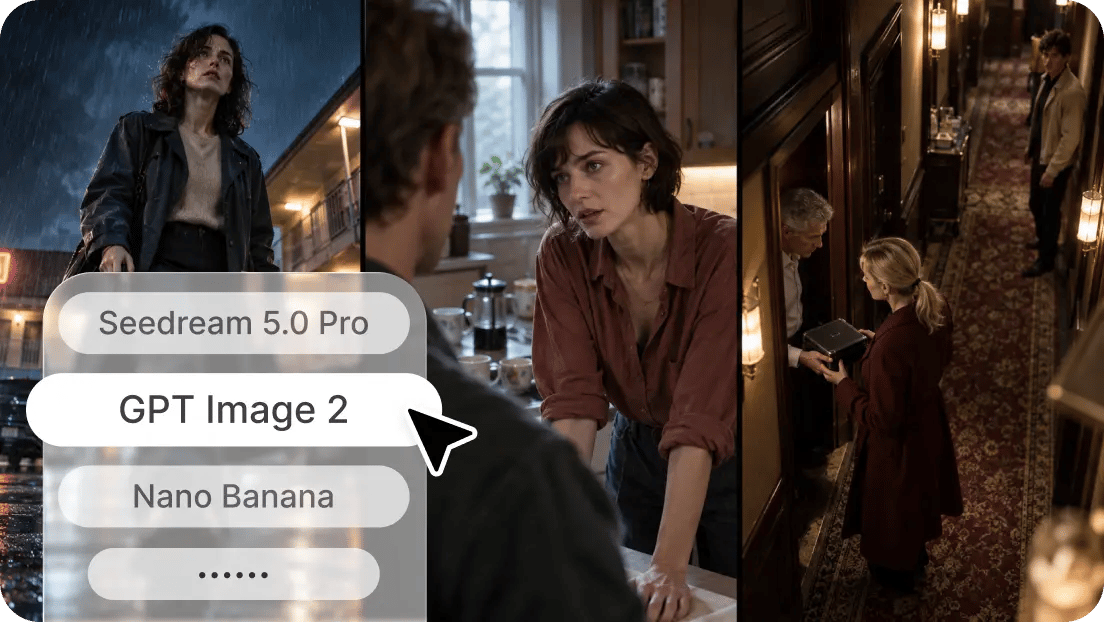
People first get an impression of an image through the color and mood before looking at the details. Warm highlights can help to create intimacy, and cool shadows can add mystery or emotional distance. The careful balance also enhances storytelling, visual identity, and artistic expression. With Dreamina AI, image generation and editing come together, allowing creators to delve into different styles with detailed prompts and reference images. Instead of using abstract terms, you can specify colors, contrast, lighting, and artistic treatments. This helps to establish a clearer visual path and make every generation more conscious.
Understand the Relationship Between Color Palettes and Visual Mood
Each palette evokes a different sense, depending on the context in which it is used. Reds, oranges, and yellows are colors that frequently evoke energy, excitement, nostalgia, and intimacy. The color blue and teal can evoke feelings of calmness, isolation, mystery, or future sophistication. Muted colors add a softness, melancholy, and understated elegance, whereas saturated colors draw attention to themselves by being intense. But emotion isn't always defined by color. Interpretation is also affected by lighting, subject matter, composition, and adjoining colors. With Dreamina AI, you can dive into these connections and convert descriptive prompts into various visual treatments.
Build a More Precise Color Vocabulary for AI Image Prompts
When using colour language, image-generation models are better equipped with precise directions for their creative work. Use dusty rose, slate blue, ochre, sage green, or deep burgundy in place of beautiful colors. Explain if the colors should be light, subdued, intense, or rich. Monochromatic palettes play with tonal variations of a single color to produce depth. Complementary colors (blue and orange, for example) provide more contrast, and analogous colors (blue and green, for example) provide smoother transitions. The use of metallic accents, neutral backgrounds, and subtle highlights creates a sense of hierarchy and depth without overpowering the composition. A proficient AI Image generator can convert a defined aesthetic into an image by interpreting these details, along with the description of the subjects, lighting directions, and references provided.
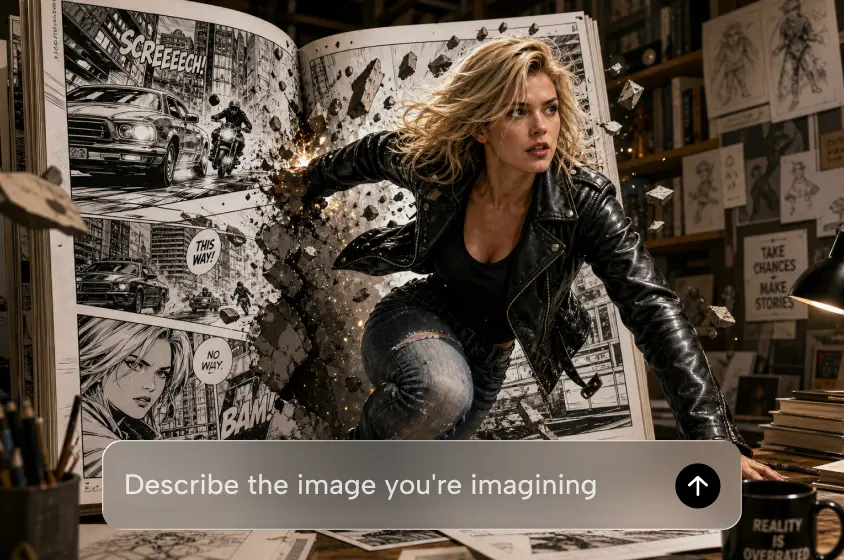
How to Describe Mood and Palette in a Style-Savvy AI Image Generator with Dreamina?
Step 1: Describe Your Mood and Palette in a Prompt
- Sign up or log in to Dreamina first, so you can start building your visual.
- Head to the "Create" tab in the left menu, then pick the "AI Image" option.
- Enter a detailed text prompt that describes the mood and palette you want to see. Add details on image elements, theme, and concept, such as soft amber and dusty teal.
Step 2: Pick the Model and Style Settings
- Choose the image model from the options present at the bottom of the dialogue box.
- Pick Seedream, GPT Image, or Nano Banana, depending on which model suits your palette best.
- Provide a reference image to Dreamina, so your final colors look more precise and natural.
- Next, select a custom aspect ratio and resolution from the "Aspect ratio" and "Resolution" tabs.
- Pick the number of images using "Images to generate", then set custom sizes in "Dimensions".
- To add text to the image, you can use the "Draw text on image" tab.
- Finally, click the "Generate" tab to begin the creation process and watch your palette appear.
Step 3: Refine the Mood and Export the Image
- You will receive the required number of image drafts, each showing a different color mood. If the palette feels off, choose "Edit prompt" or "Regenerate" to refine the generated results.
- You can also sharpen the finished palette by upscaling it with the "Creative upscale" option.
- Tap "Retouch" to correct, clean up, or enhance details of the selected image, if needed.
- Use "Remove" to delete anything from your image, or use "Expand" to widen the frame.
- You can convert your newly created image into video content through the "Generate video" tab.
- Dreamina gives you complete freedom to edit your palette and mood the way you like.
- Finally, click the "Download" tab at the top right of the interface to begin saving. It saves the final image file on your local device so that you can share it.
Six Ways to Describe Mood and Palette More Effectively
Certain color pairs, contrast, and light can be more helpful prompts than general aesthetic terms. Here are six ideas that can serve as a starting point for various creative directions.
- Cinematic Warmth: Ask for warm, high-keyed highlights, low-keyed brown shadows, and soft, directional lighting. Restrained saturation is used to avoid an overly orange scene.
- Pastel Serenity: Soft lavender, powder blue, and creamy white with subtle contrast. Diffused lighting helps to create a calming ambiance.
- Moody Editorial: Go with charcoal, burgundy, and muted olive tones with subtle highlights. The tonal separation is good, creating drama and retaining details.
- Retro Nostalgia: Mix vintage mustard, terracotta, and teal with a subtle film-inspired texture. Describe the vintage treatment to be used instead of just "retro."
- Futuristic Contrast: Combine electric cyan with a violet or dark graphite. There are no overpowering visual details, and there are selective glow effects and clear points of focus.
- Natural Sophistication: Mix sage green, warm beige, clay, and soft natural shadows. The textures are realistic, and the lighting is balanced, resulting in a subtle and elegant look.
Match Palette Choices to Different Creative Applications
Projects will have different color strategies. Palettes that work well with packaging and maintain image details and edges are useful for product imagery. For editorial portraits, you can match clothing, background colors, and accent colors to create a familiar feel. Unusual combinations, atmospheric gradients, and luminous highlights are all achieved with fantasy illustrations. Repeatable palettes that link related posts across social platforms for social graphics. Posters and promotional artwork must be of greater contrast so as to direct focus to key messages. The Dreamina AI AI-powered toolkit caters to these applications with diverse image styles, customisable prompts, and reference-based creation.
Refine Generated Colors Without Losing the Original Creative Direction
Sometimes, images that are generated contain too much saturation, too dark or too light shadows, unexpected color casts, or uneven highlights. Correct these issues by changing one prompt variable at a time. For instance, ask for lighter tones in a particular color scheme. Images can help illustrate more complex connections that words don't convey. Additionally, Dreamina AI provides a series of editing tools for targeted adjustments, enabling specific areas to be altered without the need for rebuilding all the elements. Check the results at thumbnail size to assess the overall effect, then check the desired output size for more detail. Resolution is not a solution to inaccurate colour or visual artefacts.
Maintain a Consistent Visual Identity Across Multiple Images
A reusable palette helps to link images produced for the same brand, campaign, or creative project. Before creating variations, specify primary, secondary, background, and accent colors. Maintain uniformity in the description of lighting, saturation, and contrast levels throughout prompts. The same frame and background can be used to reinforce continuity between related images. Dreamina AI allows one to explore visual variations and iterate on prompts, all in the context of a common visual style. But the same words do not always yield the same results, so check each generation before adding to a collection.
Conclusion
Defining colors precisely allows you to convert general artistic concepts into more deliberate image prompts. Colors, hues, lighting details, and color relationships convey emotion more effectively than do general style names. Dreamina AI helps you with this process by providing image creation, reference inputs, and specific editing features. Try out various palettes, make comparisons, and tweak details until the visual direction is unified. Over time, a particular color language can help you make creative choices and reinforce your image identity.